

Events on CSVs
- Every event starts with another export, cleanup pass, and round of deduping.
- The list starts going stale the moment you export it.
- After the event, you’re matching registrations and attendance back to accounts by hand.
EpochX · CRM Integration
Stop exporting and importing CSVs to manage your event audience. EpochX pulls live account, contact, and relationship context into event audience planning before registration opens.
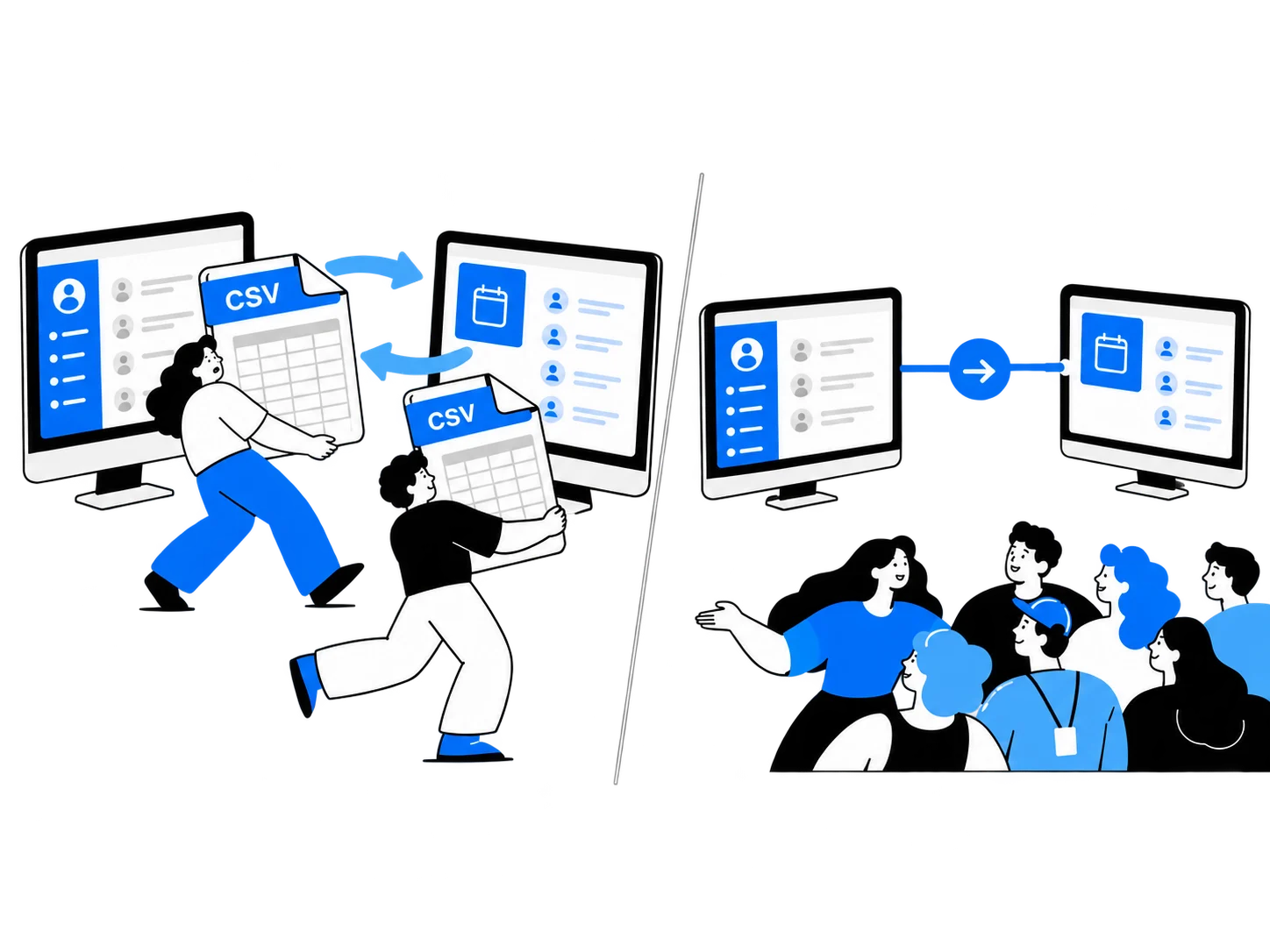
EpochX connects event management with your CRM, so your team can build invite lists from existing customer data and keep event activity tied to the right contacts and accounts.
Here's how the integration works:
| Data | Sync direction | How it's used |
|---|---|---|
| Contacts and companies/accounts | CRMEpochX | Build invite lists from existing CRM records. |
| Opportunities and relationship context | CRMEpochX | Prioritize guests based on account relationships and open deals. |
| Custom CRM objects | CRMEpochX | Use additional CRM context to inform audience targeting. |
| Event registrations | EpochXCRMPro | Send registration activity back to HubSpot or Salesforce. |
| Event attendance | EpochXCRMPro | Keep attendance information connected to your CRM. |
EpochX reads CRM data live when building an invite list, rather than relying on a static CSV export. Contacts are matched by email, with your connected CRM serving as the source of truth.
With EpochX, your event audience starts with your CRM data, and your event activity stays connected to it.
Mapping event attendees to CRM contacts means connecting each person's registration and attendance activity with the customer or prospect record your sales and marketing teams already use.
EpochX simplifies this process by matching contacts using their email addresses, with HubSpot or Salesforce serving as the source of truth.
CRM contacts
Avery Chen
avery@northstar.com
Event registration
Executive dinner
RegisteredAttendee matching
Matched by email
CRM activity
Registered, attended
Synced to HubSpot or Salesforce on Pro
When someone registers for or attends an event, EpochX keeps that activity connected to the relevant contact and account context. On Pro, registration and attendance data can also sync back to the CRM.
That means teams can see who registered, who attended, and which accounts engaged without manually matching event spreadsheets to CRM contact records.
Live context, before registration
Connect HubSpot or Salesforce once. EpochX gives event teams a direct event CRM integration, reading the contact, account, and custom object data you already have, without a separate implementation project.
Connect your CRM
Choose your source of truth

HubSpot
Contacts, companies, custom objects

Salesforce
Contacts, accounts, custom objects
Bring account tier, open opportunities, and relationship history into audience planning so you can prioritize the right people.

Event registration, attendance, and engagement stay tied to the right contacts and accounts, so reporting and follow-up don’t require another round of spreadsheet matching.
Northstar account activity
Executive Dinner · San Francisco
Registered
May 6
Attended
May 21
Joined executive roundtable
May 21
Sales follow-up created
May 22
Integration details
| Question | Answer |
|---|---|
| Which CRMs does EpochX support? | HubSpot and Salesforce |
| How current is the data? | Data is read live when you build a list, in real-time, rather than copied over on a scheduled sync. |
| What data can EpochX read? | Standard contact and account records, plus custom objects. |
| How are duplicate contacts handled? | Contacts are matched by email, with your connected CRM serving as the source of truth. |
EpochX currently integrates with HubSpot and Salesforce. Once connected, it can read the contact and account context your team already maintains in the CRM.
Connecting HubSpot or Salesforce to EpochX takes one click. There’s no separate field-mapping exercise or implementation project required before you can start building an audience.
EpochX reads CRM data live when you build a list. You’re working from the contact and account information in your CRM at that moment rather than a static export created days or weeks earlier.
Yes. EpochX can read custom objects alongside standard contact and account records, so the context you use for audience planning isn’t limited to default CRM fields.
EpochX matches contacts by email, with your connected CRM serving as the source of truth. If the same person appears in more than one list or segment, EpochX recognizes them as the same contact.
Event management platforms typically connect to CRMs through native integrations or APIs. These connections can allow event teams to access contact and account information, match event attendees to existing records, and send registration or attendance activity back to the CRM. The exact data shared depends on the integration.