

Step 1
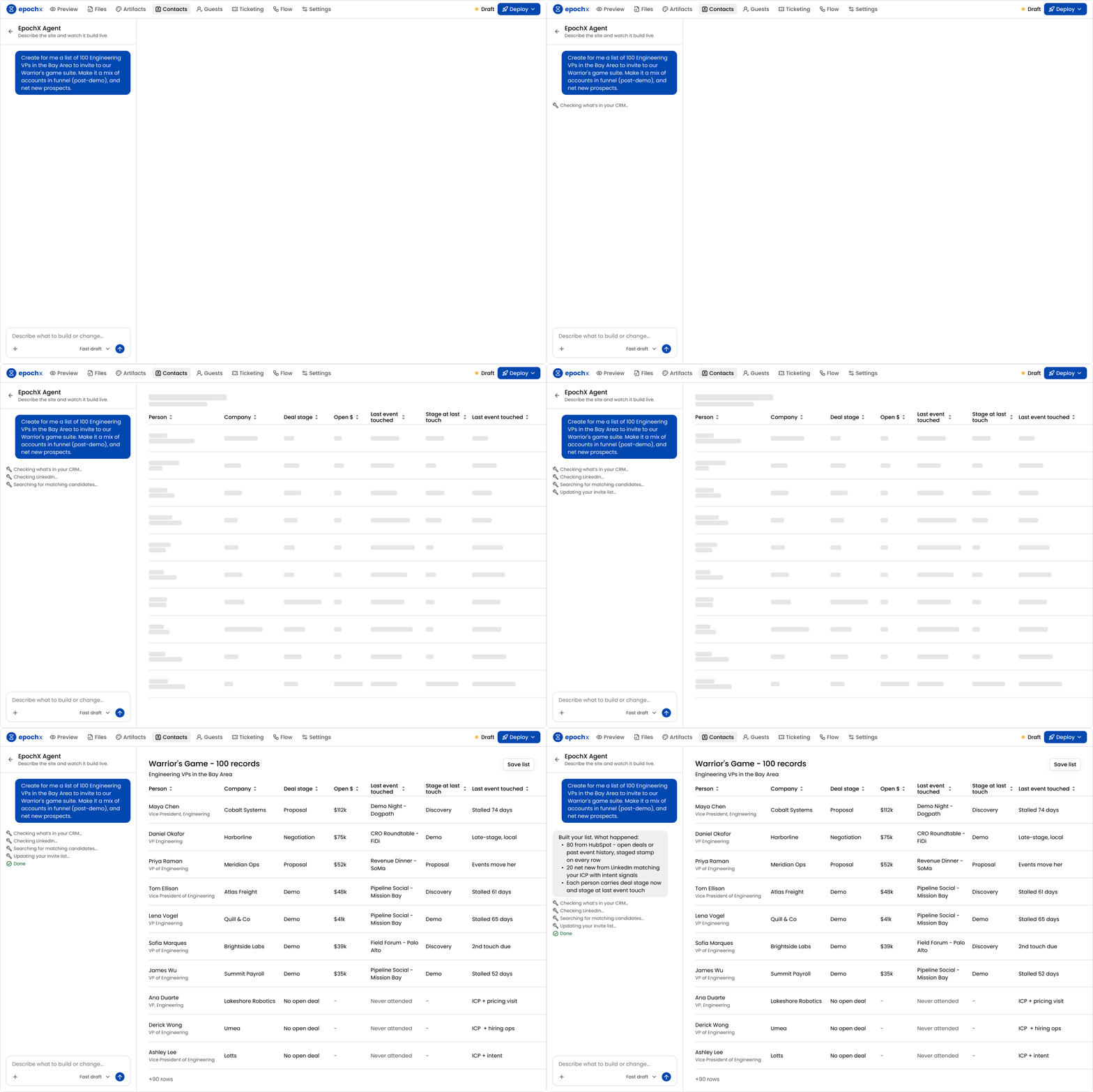
Bring CRM context into your audience planning
Make invite decisions with the account, contact, and relationship data you already have.
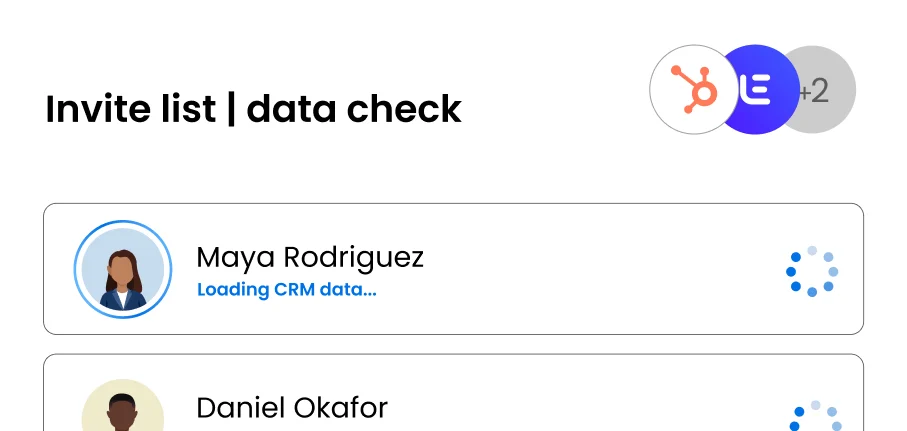
EpochX · AI Invite Management
Score prospects with CRM and external data, add UTMs to track invite links, and send outreach across email and LinkedIn.
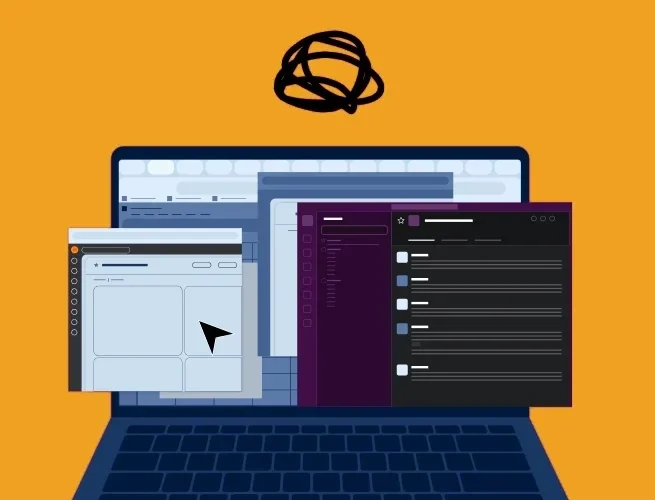
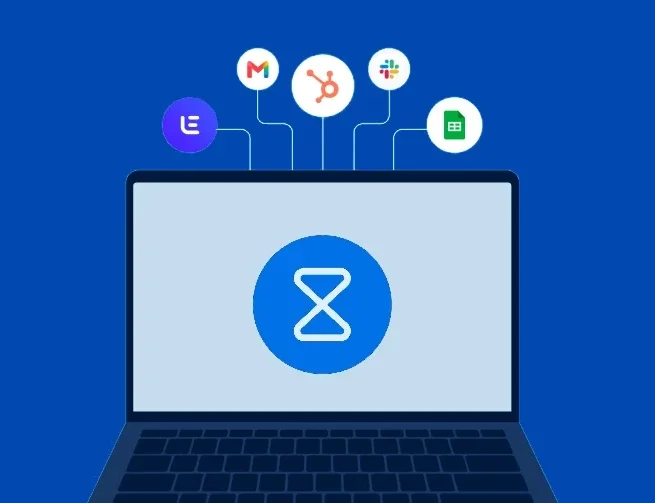
CRM data context: Validity, The State of CRM Data Management in 2025 reports that 76% of respondents say less than half of their organization’s CRM data is accurate and complete.
A smarter invite workflow
Make invite decisions with the account, contact, and relationship data you already have.
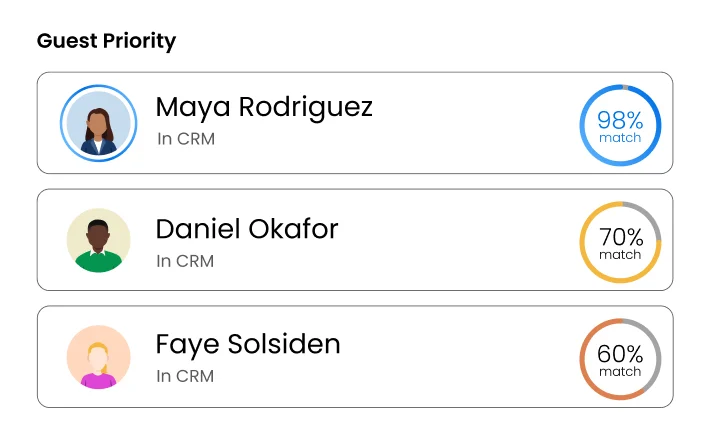
Prioritize contacts by fit and importance, so your team knows where to spend time instead of treating every name on the list the same.
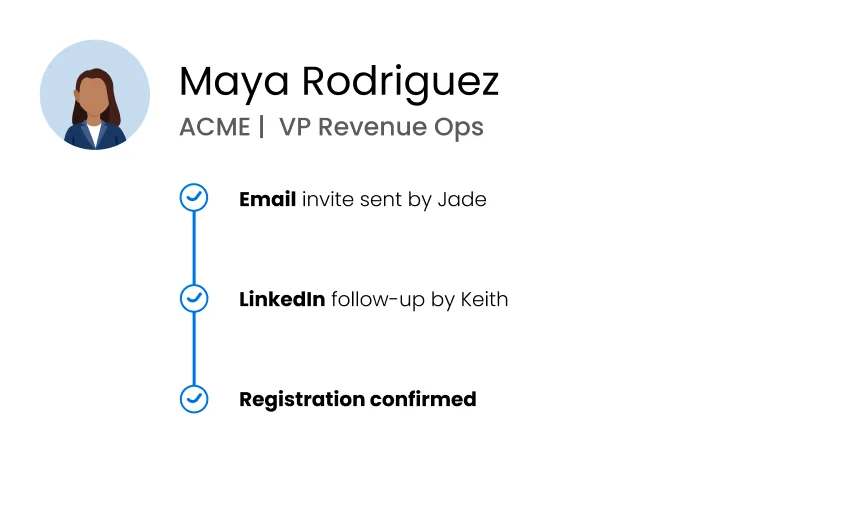
See who’s been contacted, how, and by whom—so prospects don’t get duplicate invites and high-priority guests don’t get missed.
Why audience data matters
90%+
of B2B event teams prioritize audience acquisition, maximizing event data, and showing impact.
Source: Forrester, State of B2B Events, 202613 hours
per week are spent, on average, by workers hunting for basic information in their CRM.
Source: Validity, State of CRM Data Management, 202562% vs. 37%
of organizations with deeply integrated event technology are satisfied with event performance, versus those without integration.
Source: Forrester, State of B2B Events, 2026Keep your event audience tied to the source of truth
See howSee what your audience turned into
See howCurate a room where every conversation matters
See howBuild a high-value room, not just a full one
See howWriting the invite itself? Use our free B2B event invitation email templates.
FAQ
Directly from your connected HubSpot or Salesforce account. EpochX reads the data live when you build your invite list, so you’re working from the CRM context your team already uses rather than another CSV export.
Connecting HubSpot or Salesforce takes one click. AI handles the setup instantly, and you can review and validate everything before you start building a list.
Contacts are matched by email, with your CRM serving as the source of truth. If someone appears across several lists or segments, EpochX recognizes them as the same person and keeps their outreach history together.
Yes. EpochX can read custom objects from HubSpot and Salesforce, so you can use the CRM context your team already relies on when deciding who belongs on an invite list.